
Appointment & Consultation Booking
Client-facing pros, coaches, and consultants get a self-serve calendar visitors can book without a phone call.
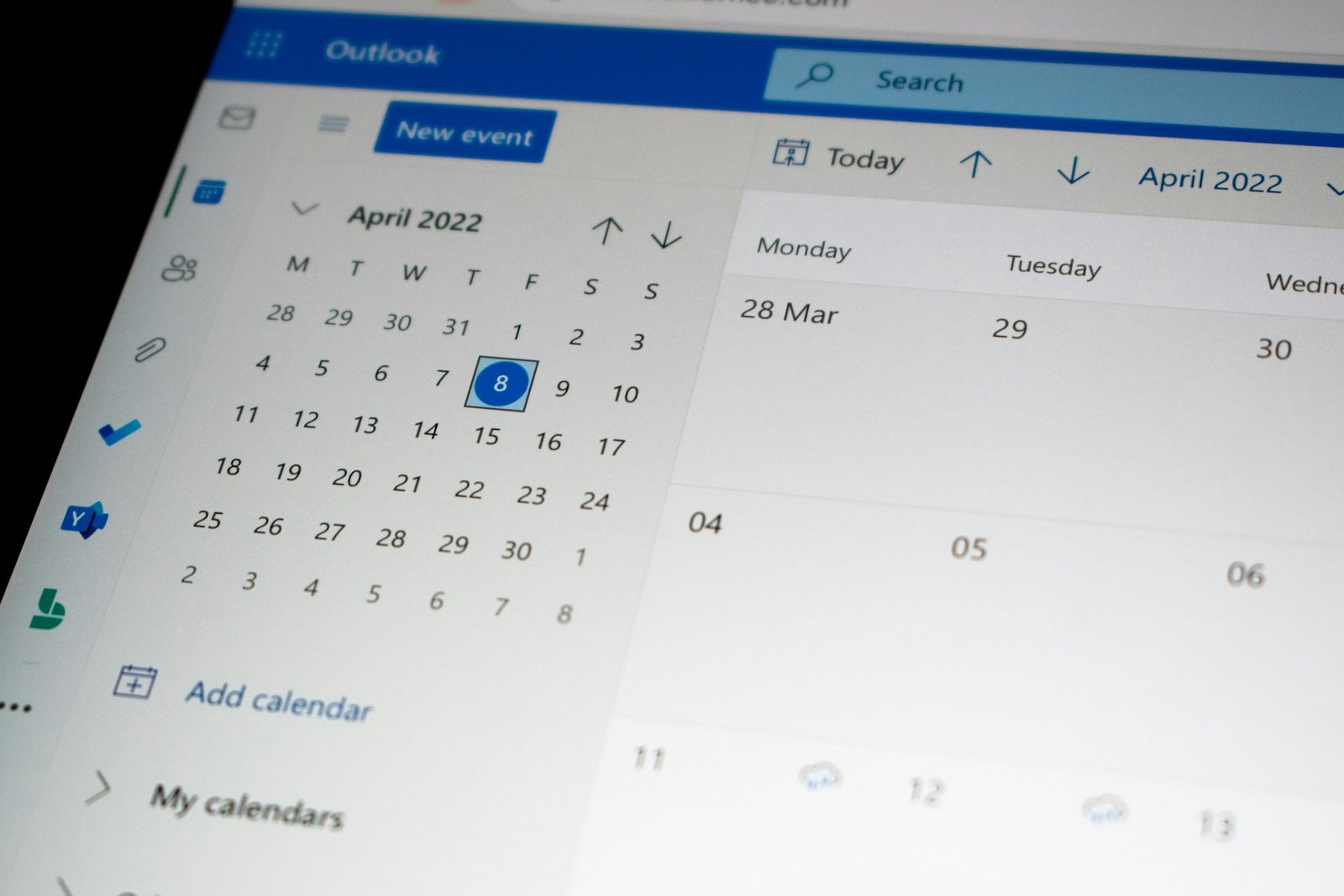
We install a complete booking system on your website: calendars, appointments, and reservations, connected to the tools you already use. Works with every CMS and custom-coded site.
Add-on services
What this covers
Most visitors who want to book something will not call to do it, they will just leave. We install a real booking system, appointments, reservations, classes, or rentals, directly on your site: on-brand, synced to your calendar, and built to stop double-booking before it happens.
Pairs well with a chatbot install that answers questions before someone books, or any of our SEO services already driving the traffic this system converts.
Start your installThe booking platform you choose may carry its own free or paid tier, which we help you pick.
One calendar, live in days
A single booking widget, Calendly, Cal.com, or Acuity, embedded directly on your site and styled to match your brand, with automatic confirmation emails.
The complete appointment system
A full appointment or reservation system built into your site: staff scheduling, buffer times, and two-way calendar sync, not just an embedded widget.
Deposits, multi-location, zero overbooking
For businesses juggling multiple staff or locations: deposit collection at booking, capacity limits, and waitlists on top of everything in Business.
Payment processing (Stripe or PayPal) on the Pro option is handled by that provider directly.
Every plan supports the booking type your business runs on, not a generic one-size calendar.

Client-facing pros, coaches, and consultants get a self-serve calendar visitors can book without a phone call.
Restaurants and venues take timed reservations online, with party size and special-request fields built in.
Studios and instructors sell seats to a recurring class or one-off event with a capacity limit enforced automatically.
Rental businesses book out gear, rooms, or vehicles for a date range instead of a single time slot.
Multi-provider businesses route each booking to the right staff member, chair, or room automatically.
Weekly clients and group sessions get repeat-booking logic, so the same slot does not have to be rebooked by hand.
Google Calendar and Outlook stay in sync in both directions, so a booking on your site blocks the slot everywhere, and vice versa.
Email and SMS reminders fire automatically before every booking, which is the single biggest lever against no-shows.
Collect a deposit or full payment at the moment of booking through Stripe or PayPal, on the Pro plan.
Set travel or turnaround buffers between bookings and enforce real business hours, holidays, and blackout dates.
Fonts, colors, and confirmation copy matched to your site, so the booking flow reads as part of your brand, not a bolted-on plugin.
See booking volume, no-show rate, and your busiest slots, so you know when to open more availability.
If you already use a booking platform, we integrate it. If not, we recommend one that fits your plan and business type.
Booking platforms we integrate
Website platforms we install on

We look at what you are booking, appointments, tables, classes, or rentals, how many staff or resources are involved, and what you use today, if anything.
We pick the booking engine that fits your plan and connect it to your Google or Outlook calendar so availability stays accurate on both ends.
We match the booking flow to your brand and configure buffer times, business hours, deposit rules, and staff assignment.
We install it on your live site, test every booking path and device, then hand over the finished system. It is yours to keep.

Dominate the Google Map Pack and local search results with our intent-focused Local SEO services. Drive foot traffic and local leads.

Optimize the foundation of your website. We map user intent to content, fix metadata, and engineer your internal architecture to dominate search.

Earn high-authority backlinks and brand mentions. We execute aggressive, white-hat link building campaigns to skyrocket your domain authority.

Fix the code holding you back. We optimize site speed, fix indexing errors, and structure your data so search engines can crawl your site effortlessly.

Get cited as the source AI trusts. We optimize your brand's authority and data so ChatGPT, Google AI Overviews, Claude, and Perplexity cite you by name.
A no-hype, prioritized checklist for getting your business cited by ChatGPT, Perplexity, and Google AI Overviews in 2026.
Read article → Local SEOThe 2026 Google Business Profile ranking factors, ranked by actual weight, plus a 30-day checklist to move your Map Pack ranking.
Read article → AI SearchWhat AI products tend to cite, why third-party mentions outweigh self-published lists, and a practical order of operations for a small business.
Read article →Still unsure? Ask us directly. You'll get a straight answer, not a sales call.
A single booking widget, your choice of Calendly, Cal.com, or Acuity, embedded on up to two pages of your site, styled to match your brand, with one-way calendar sync and automatic confirmation emails. The booking platform you choose may have its own free or paid tier, which we will help you pick.
Starter is a single embedded calendar for straightforward appointment booking. Business adds two-way calendar sync, staff and resource scheduling, automated SMS reminders, and unlimited pages, the right fit for most service businesses. Pro adds deposit and prepayment collection, multi-location and multi-staff management, group bookings, and waitlist automation, built for businesses juggling more moving parts.
The Starter plan syncs one-way (a booking blocks your calendar). Business and Pro sync two-way with Google Calendar and Outlook, so an event you add manually also blocks that slot on your site, and a site booking shows up on your calendar instantly. This is the detail that actually prevents double-booking.
Yes, on the Pro plan. We connect Stripe or PayPal so a deposit or full payment is collected at the moment of booking, which cuts no-shows dramatically for appointment- and reservation-based businesses. Starter and Business do not include payment collection.
Yes. We install booking systems on WordPress (using Amelia or Bookly for the deepest integration), Shopify, Webflow, Wix, Squarespace, Framer, and fully custom-coded sites built in React, Next.js, or plain HTML.
Yes, either way. If you already use Calendly, Acuity, or a similar tool, we can embed and style what you have. If you use nothing yet, we will recommend the platform that fits your plan and business type and set the account up with you.
No. We load booking widgets lazily and match them to your site's existing performance budget, the same Core Web Vitals discipline we apply to every install, so adding a calendar does not cost you page speed or rankings.
Starter plans are typically live in 2 to 3 business days. Business and Pro plans, which involve more configuration (staff rules, deposits, multi-location setup), usually take 3 to 5 business days from when we get access.
Yes, and many sites do. A chatbot or lead funnel captures a visitor who is not ready to book yet; the booking system converts the ones who are. See /hire-chatbot-installation-service/ and /hire-lead-funnel-installation-service/.
Tell us what you're booking and we'll have a working calendar, appointment, or reservation system live on your site within a few days.
Tivv answers only from Marketivv's own site, no outside AI. For anything more specific, talk to a human.
Opens WhatsApp with your answers filled in — nothing is stored on our server.